




 Paid
Paid
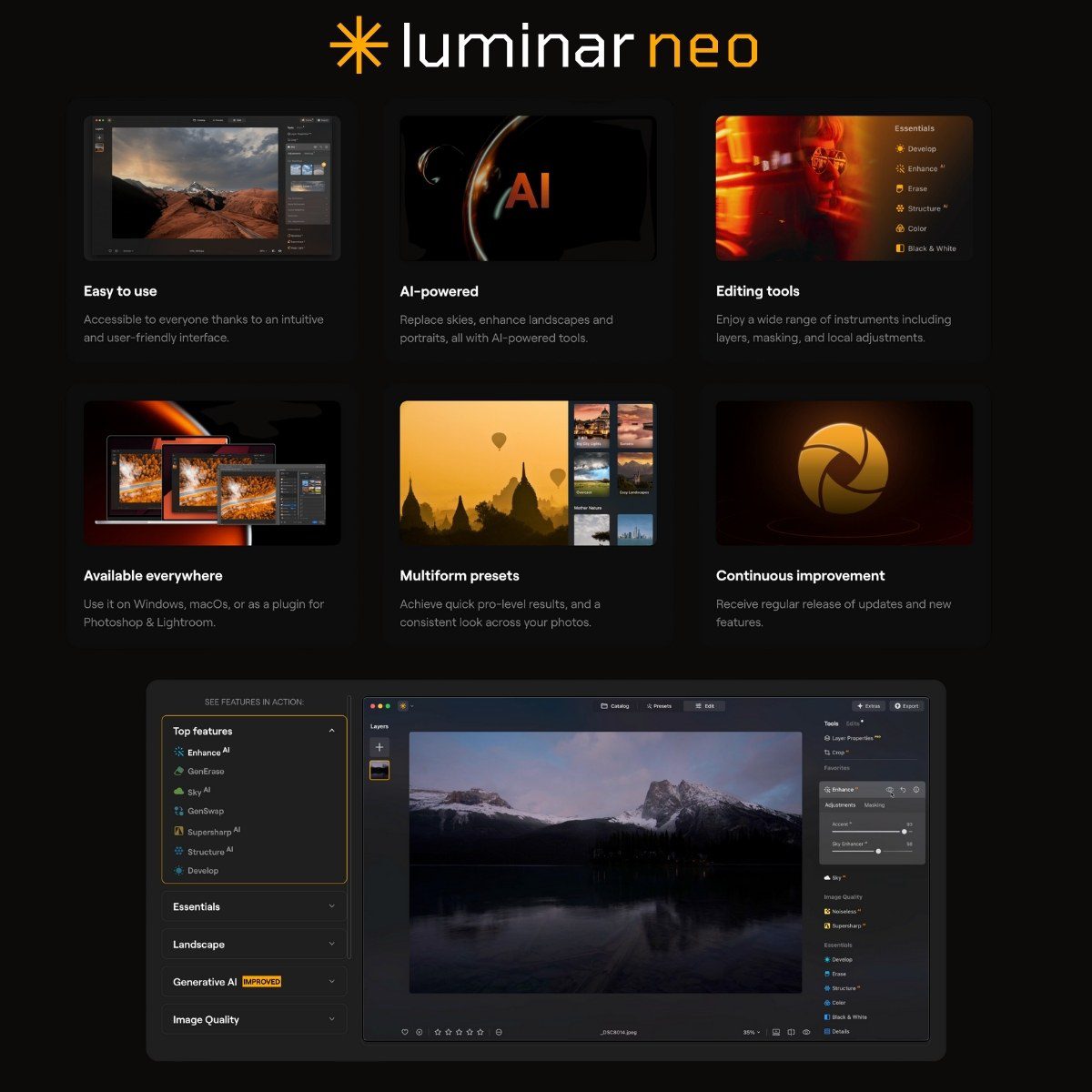
Luminar Neo bypasses the complicated conventional editing interfaces involving multiple sliders and layers. Instead, it offers AI-driven tools designed to handle time-consuming tasks: features like sky replacement, lighting correction, and background blurring are achieved with minimal clicks.
The core benefit is speed. Luminar NEO’s Sky AI tool instantly swaps out uninteresting skies and generates reflections that are surprisingly realistic. Accent AI intelligently optimizes color and lighting without requiring manual adjustment of curves or contrast settings. Relight AI is capable of constructing a virtual depth map, allowing users to correct poorly lit images by digitally repositioning the light source. This feature is notably effective for fixing backlit portrait shots.
It functions as a standalone application but can also integrate directly into existing workflows as a plugin for Photoshop, Lightroom, or Apple Photos. This means you can adopt the new tools without abandoning your current editing process.
In my tests involving various portraits, landscapes, and complex lighting situations, Sky AI managed straightforward replacements well, though highly detailed areas like tree branches, fine edges, or power lines occasionally showed minor imperfections. While not flawless, the convenience often justifies the slight drawback. Portrait Bokeh AI successfully generated artificial depth-of-field effects that appeared quite convincing.
Relight AI proved to be the standout feature. It successfully salvaged unevenly lit portraits, making them usable again. While the results weren’t always perfect, they were certainly sufficient to avoid the need for a reshoot.
The user interface, despite the advertising, is not always immediately intuitive. However, users can pick it up relatively quickly, though some tools are placed in less-than-obvious locations.
This software is tailored for individuals needing quick, high-quality edits: professionals like wedding photographers, independent content creators, and bloggers. It is suited for anyone processing large batches of images without access to a complete studio setup. Achieving excellent results does not require extensive prior knowledge of Photoshop.
The application supports RAW files from all major camera manufacturers, and export options cover standard formats (JPEG, TIFF, PNG). This aspect leaves no room for complaint.
Luminar Neo effectively addresses several common photo editing frustrations. If you find yourself spending too much time on fundamental adjustments or simply require fast, ‘good-enough’ edits, it merits a trial. If your typical output is geared more toward social media (Instagram) than high-stakes commercial campaigns, this tool makes perfect sense. For designing billboards or professional print advertising, however, you should look elsewhere.