Enterprise products don’t usually fail because they lack features—they fail because they demand too much from the user’s brain at the wrong moment. Cognitive overload quietly kills adoption, speed, and perceived product value. In complex B2B environments, every extra field, unclear state, or competing visual cue is not just a UX issue; it is a brand risk, a sales risk, and a renewal risk. Cognitive load in UX is the invisible tax your users pay to get value from your product.
What Is Cognitive Load in UX? (Applied, Not Academic)
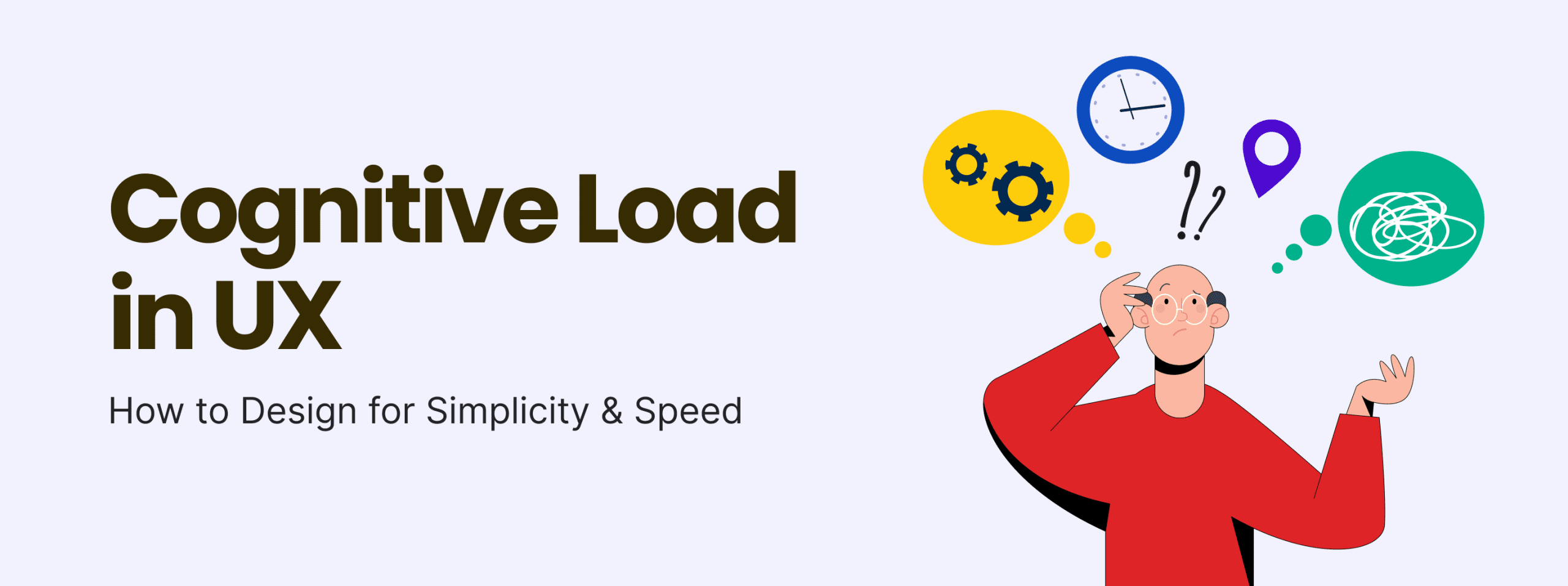
Cognitive load is the total mental effort required for a user to understand, decide, and act in your interface. Think of it as “how hard your product makes the brain work” in order to accomplish a goal.
Three types matter in practice:
1. Intrinsic Load
This is the inherent complexity of the task itself.
- Example: A revenue ops leader configuring multi-touch attribution, or a security admin defining granular access policies.
- You can’t remove this complexity without removing power. The job is genuinely hard.
UX implication: You respect intrinsic load by sequencing tasks, offering defaults, and matching mental models—never by oversimplifying the domain.
2. Extraneous Load
This is the unnecessary effort caused by how the product is designed.
- Example: A dashboard with 18 competing charts by default, unlabeled icons, inconsistent filters, or settings buried under obscure labels.
- None of this complexity is inherent to the task; it’s design debt.
UX implication: Extraneous load is what you must ruthlessly hunt down and remove. This is where most simplification opportunities live.
3. Germane Load
This is the “good” mental effort: the work users invest in understanding patterns and forming useful schemas.
- Example: Learning a consistent filter pattern that appears across all lists and tables, or a stable layout for “Create / Review / Approve” flows that repeats throughout enterprise UX design.
- Once learned, it accelerates future tasks.
UX implication: You want to maximize germane load by investing in consistent patterns and meaningful structure, so users become faster and more confident over time.
For B2B tools, the question is never “Can we make this simple?” but “Can we remove extraneous load and shape germane load so intrinsic complexity becomes manageable?”
Why Cognitive Load Is a B2B Brand Design Problem
Cognitive load is often framed as a usability concern, but in B2B brand design it directly shapes:
- Brand trust
Friction-heavy, confusing interfaces signal immaturity. If the product feels chaotic, buyers subconsciously question data integrity, security, and operational reliability.
- Perceived product intelligence
Smart products feel like they “do the right thing by default.” Cluttered interfaces suggest that intelligence lives in the user’s head, not in the system.
- Time-to-value in enterprise UX
When it takes weeks of training and handholding to complete basic tasks, time-to-value stretches, onboarding costs rise, and champions burn political capital to keep your product in the stack.
In other words: complex UI is brand friction. No amount of messaging can compensate for a product that consistently overloads users at critical decision points.
Common UX Patterns That Increase Cognitive Load (Anti-Patterns)
Most high-load experiences in enterprise UX design come from a handful of recurring anti-patterns.
Overloaded Dashboards
- Every metric “above the fold”
- Multiple visual styles (bars, line charts, tables, chips) competing for attention
- No clear primary question the dashboard answers
Impact: Users scan, fail to find the signal, and default to exports or offline analysis.
Excessive Choice Without Hierarchy
- 15+ filters with equal visual weight
- Dozens of configuration toggles in a single dialog
- Long forms that don’t differentiate between mandatory, common, and edge-case fields
Impact: Decision paralysis, misconfigurations, and heavy dependence on “super users” or admins.
Inconsistent Interaction Patterns
- Different modules use different filter styles, button placements, or terminology for the same concept (e.g., “Customer” vs “Account” vs “Org”)
- Dialogs sometimes save on enter, sometimes discard without warning
Impact: Users relearn behaviors screen by screen. Germane load is wasted on remembering quirks instead of learning scalable patterns.
Dense Enterprise Navigation
- Multi-level sidebars, top nav, and context menus all at once
- Overloaded “More” menus hiding critical actions
- Flat information architecture that treats all modules as equal priority
Impact: Users grind to a halt searching for the correct module, then for the correct sub-module, before doing any actual work.
All of these anti-patterns convert what should be intrinsic complexity into extraneous noise.
How to Simplify UI Without “Dumbing It Down”
For senior stakeholders, “simplify UI” often triggers fear: “We can’t remove power users’ capabilities.” The goal is not to strip functionality; it is to stage and present it intelligently.
Progressive Disclosure
Expose only what’s needed to succeed at the current step.
- Show essential fields by default, with “Advanced options” for edge cases.
- Start dashboards with 1–3 key metrics, then allow drill-down.
This keeps intrinsic load manageable while preserving depth for expert users.
Visual Hierarchy and Information Chunking
Use hierarchy to tell users what matters.
- Make the primary action visually dominant (button hierarchy, spacing, contrast).
- Group related fields into logical sections with clear headings.
- Use whitespace as a structural tool, not a decorative one.
Chunking reduces cognitive load UX by letting users process information in meaningful units rather than as a wall of detail.
Reducing Decision Points
Every decision—no matter how small—costs mental effort.
- Remove non-essential choices or defer them to later (e.g., advanced configuration after initial setup).
- Use intelligent defaults based on role, prior behavior, or industry norms.
- Turn low-value decisions into clear recommendations (“Recommended for teams like yours”).
Fewer, more meaningful decisions lead to faster flows and fewer errors.
Designing for Recognition Over Recall
Recognition is easier than remembering.
- Use consistent iconography and labels for recurring actions.
- Provide autocomplete and smart suggestions where users might otherwise need to recall specific terms or IDs.
- Show recent items, saved views, or templates prominently.
The less your users have to keep in their heads, the faster they move.
Speed as a UX Metric
Speed is not just about load times; it’s about decision speed.
- Can a user answer “What needs my attention?” in under 5 seconds on a key screen?
- Can a new user complete a core workflow in under 2–3 minutes after a short guided tour?
Design for these thresholds explicitly. Time-to-decision is a first-class UX simplicity principle.
Cognitive Load Reduction Framework for UX Teams
To make this operational, UX Leads need a repeatable framework, not ad-hoc cleanups.
Step 1: Identify High-Friction Moments
Use a combination of:
- Journey maps that highlight drop-offs and complaints
- Inputs from support and customer success on “where users get stuck”
- Analytics from your Enterprise UX dashboards pointing to low adoption paths
Focus on flows that are both high-frequency and high-impact.
Step 2: Map Mental Effort Per Screen
For each critical screen or step:
- List every decision the user must make.
- Count interactive elements (fields, buttons, toggles, filters).
- Note any places where users must recall information from elsewhere (IDs, codes, context).
This creates a rough “mental load map” without needing lab equipment.
Step 3: Remove or Defer Non-Critical Decisions
For each item on the map:
- Can we remove this completely?
- Can we auto-fill or default it intelligently?
- Can we move it to a later step once trust and context are established?
The goal is to converge on a “minimum viable decision set” per task.
Step 4: Validate Simplification with Usability Analytics
Push improvements behind feature flags or A/B tests and track:
- Time to complete key tasks
- Error rates and backtracking behaviors
- Drop-offs at each step
Tie this into your Usability Analytics approach to prove that changes reduced cognitive load UX rather than just “changed the UI.”
Measuring Cognitive Load in Practice
You don’t need labs and EEGs to quantify cognitive load. You need the right behavioral proxies.
Usability Analytics
Instrument your product to monitor:
- Task completion time: Are users getting faster over sessions?
- Path deviations: How often do users backtrack or explore irrelevant paths?
- Click density: Excessive clicks or hover patterns can signal confusion.
Real-World Enterprise UX Examples (Conceptual)
Example 1: Overloaded Admin Dashboard → Focused Command Center
Before:
- 12 widgets: tickets, usage graphs, NPS, announcements, billing alerts, roadmap teasers.
- No clear primary call-to-action.
- Admins report “I just export everything to CSV and ignore the homepage.”
After:
- Dashboard structured around three questions:
- What’s broken? (critical alerts)
- What’s at risk? (accounts or SLAs requiring attention)
- What’s working? (key KPIs, trend lines)
- Secondary content moved to tabs or secondary screens.
- Result: Admins fill high-risk tasks first, time-to-first-meaningful-action drops, and frustration scores decrease.
Example 2: Complex Workflow Wizard → Progressive Setup Journey
Before:
- One massive “Create Automation” screen with 20+ fields, nested conditions, and multiple schedule options.
- Users frequently misconfigure rules, causing support tickets and mistrust.
After:
- 4-step guided flow:
- Choose goal (from 3–4 options).
- Define audience or trigger with smart defaults.
- Configure action with templates.
- Review and confirm with a human-readable summary.
- Advanced conditions tucked under “Refine logic” toggles.
- Result: Fewer misfires, higher completion rates, and increased usage of automation by non-technical roles.
In both cases, feature breadth stayed the same—but extraneous cognitive load dropped.
Future of UX: Cognitive Efficiency as Competitive Advantage
As AI and automation permeate B2B tools, the bar shifts from “Can users get this done?” to “How little do users need to think about mechanics to focus on judgment and strategy?”
- AI-driven personalization can reduce cognitive load by pre-sorting information, recommending next best actions, and tailoring dashboards to roles.
- Adaptive interfaces will increasingly modulate complexity based on user expertise and context—exposing more power as users demonstrate mastery.
In this landscape, cognitive efficiency becomes a core pillar of B2B brand design. Products that feel “effortlessly powerful” will be remembered as intelligent and trustworthy; those that feel heavy will be commoditized or replaced.