











Aug 20, 2026
UI UX design combines the interface people operate with the wider experience of completing a goal. Effective work connects customer evidence, task logic, visual clarity, accessibility, business priorities, and technical delivery. We recommend choosing design support based on the product problem and its complexity—not job titles alone.
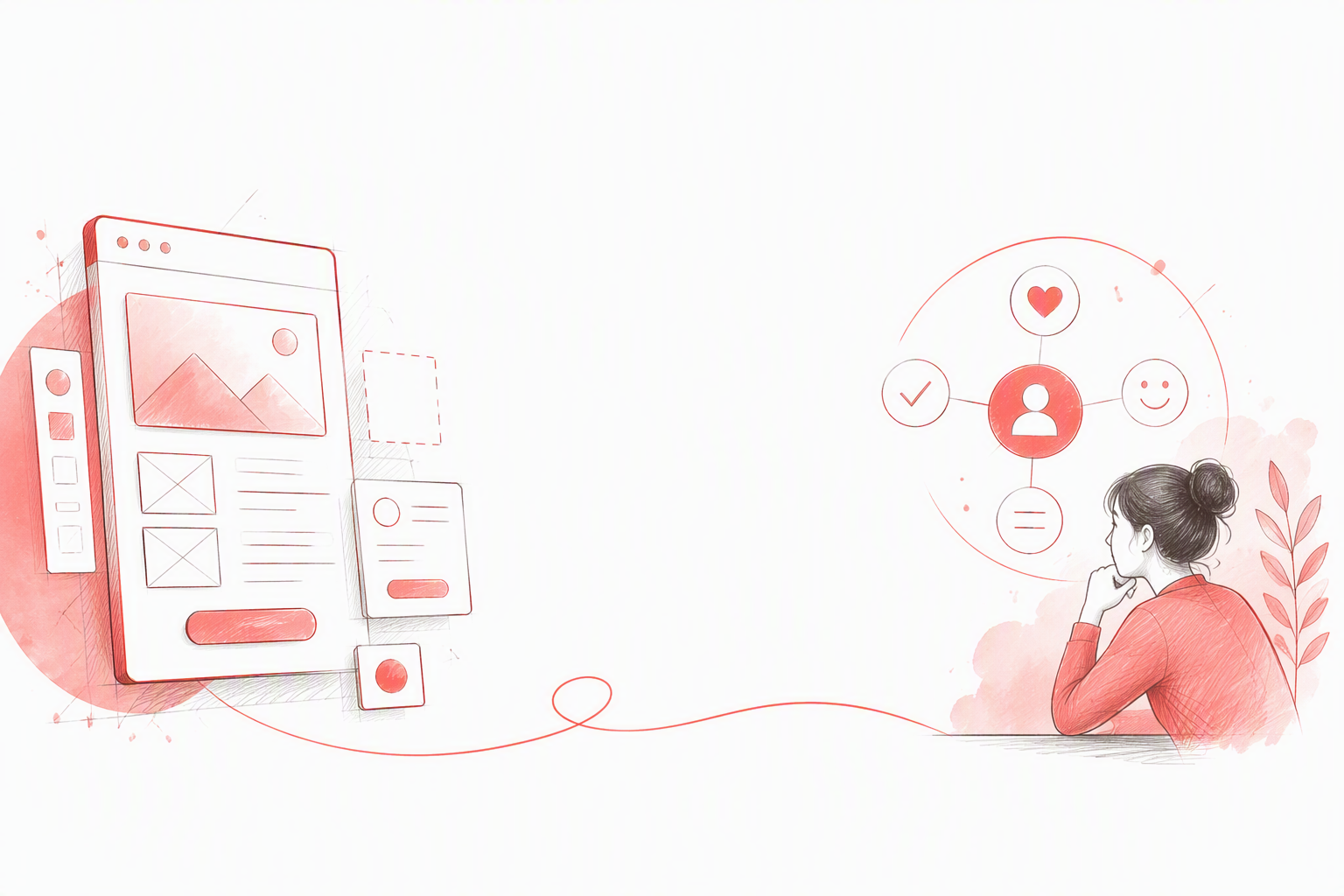
UI means user interface: the screens, controls, typography, colors, menus, forms, and feedback people interact with. UX means user experience: the broader process of understanding a product, completing tasks, recovering from problems, and reaching a useful outcome.
A SaaS onboarding flow may have polished illustrations and refined buttons but still provide a poor experience if customers cannot understand the product’s value or identify their next step. Visual polish cannot repair broken task logic. Equally, a sensible workflow becomes difficult to use when its interface lacks hierarchy, consistency, or feedback.
| Area | UI | UX |
|---|---|---|
| Focus | Visible, interactive interface | End-to-end experience |
| Questions | Is the screen clear, consistent, responsive, and accessible? | Does the journey solve the right problem with minimal friction? |
| Methods | Component design, responsive design, interface reviews | Research, task analysis, prototyping, usability testing |
| Deliverables | Mockups, states, tokens, specifications | Findings, flows, wireframes, prototypes |
| Measures | Clarity, consistency, accessibility | Completion, adoption, retention, satisfaction |
UI is part of UX rather than an alternative to it. UX also covers product structure, content, performance, service interactions, policies, and expectations surrounding the interface.
Attractive screens can hide confusing navigation, unnecessary steps, vague labels, weak validation, and poor error recovery. Inspiration galleries show how a screen looks, but rarely prove that people can use it successfully.
We assess design through customer outcomes and business goals rather than personal taste. “I prefer blue” is subjective. “This hierarchy makes the primary action easier to identify” can be evaluated.
These disciplines overlap, but they are not interchangeable:
Research informs information architecture, which shapes flows. Interaction behavior determines interface states, while brand principles guide visual communication.
In our experience, productive collaboration matters more than rigid boundaries. Designers, researchers, product managers, engineers, content specialists, and stakeholders need shared evidence, even when their responsibilities differ.
Specialist support is valuable for complex research, enterprise permissions, accessibility, data visualisation, multi-platform products, service design, or mature design systems.
The label “UI/UX designer” can conceal unrealistic expectations. One person may not be equally skilled in research, strategy, content, testing, interface systems, and front-end development.
Enterprise design also extends beyond screens. Our guide to connecting experience, operations, and technology through enterprise design explains how organisational processes and technical systems support the intended experience.
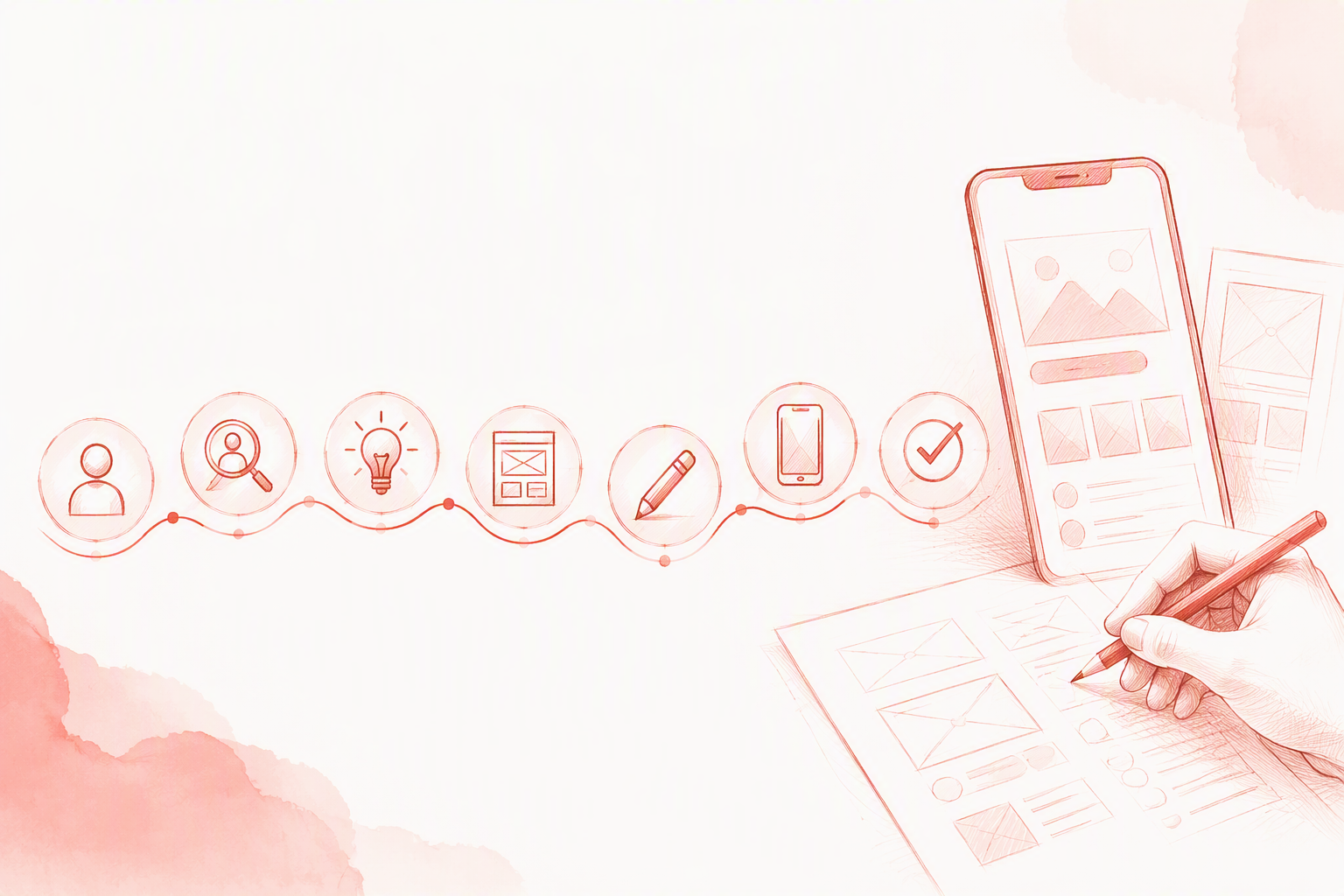
UI UX work is rarely a simple sequence in which UX ends and UI begins. We revisit assumptions when research, testing, engineering constraints, or product performance provide new evidence.
Discovery aligns customer needs, strategy, constraints, risks, stakeholders, and success criteria. Methods may include interviews, analytics reviews, competitive analysis, journey mapping, task analysis, and research-backed personas.
Customer requests are evidence, not implementation instructions. Before recommending a feature, we investigate the blocked goal, its context, and existing workarounds.
Evidence is translated into information architecture, task flows, content hierarchy, concepts, and prototypes. Low-fidelity wireframes help us examine structure before visual detail makes an immature idea appear finished.
Each prototype should answer a defined question, such as whether navigation is understandable or a workflow supports realistic tasks.
Testing should cover primary tasks, failure paths, and edge cases. Visual design then clarifies hierarchy, responsiveness, accessibility, interaction states, and brand expression.
Handoff must document behaviour, not just static screens. We encourage designers and engineers to review implementation together because customers experience the shipped product, not the design file.
The broad UI UX label contains distinct capabilities. We recommend identifying the expertise a project needs before comparing providers through visual portfolios.
UX work commonly includes:
Personas are useful when they summarise research-backed differences in goals, behaviour, context, or capability. Invented demographic details are less useful than evidence from interviews, analytics, support patterns, and observed tasks.
UI design covers layout, hierarchy, typography, colour, iconography, spacing, responsive behaviour, motion, feedback, and interaction states.
A complete interface includes empty, loading, success, error, disabled, and restricted states. Designing only the ideal path forces customers and engineers to confront unresolved conditions later.
Accessibility includes contrast, keyboard access, visible focus, semantic structure, readable content, suitable controls, and compatibility with assistive technologies.
We incorporate it throughout research, design, development, testing, and quality assurance. Treating accessibility as a final check creates rework and can leave fundamental interaction problems unresolved.
Deliverables should support decisions. More files do not necessarily create more certainty, and software cannot replace product context, research, testing, or judgement.
Research plans define questions, participants, methods, and limitations. Findings, journey maps, and opportunity areas guide priorities. Design principles support recurring decisions, while success criteria connect the work to observable behaviour.
| Deliverable | Purpose | Typical use |
|---|---|---|
| Wireframe | Examine structure, hierarchy, and flow | Early concept and task testing |
| Mockup | Review detailed layout and visual design | Refining an established direction |
| Interactive prototype | Simulate behaviour and sequence | Testing realistic interactions |
High-fidelity mockups can create false confidence and stakeholder attachment. We validate core workflows before refining every visual detail.
Implementation-ready work may include responsive designs, component variants, states, tokens, assets, acceptance criteria, and behaviour notes.
A design system creates leverage when it addresses repeated needs and is adopted by design and engineering. Our guide to building, governing, adopting, and scaling design systems covers the conditions required.
Teams may use tools for research, workshops, wireframing, interface design, prototyping, testing, analytics, and handoff. There is no universal stack. We prioritise interoperability, access, version control, and team adoption over novelty.
A useful example connects the problem, evidence, design decision, validation method, and outcome. Screenshots alone cannot establish whether a solution worked.
For SaaS onboarding, we define the activation event and identify setup that can be removed or delayed. Progressive disclosure and contextual guidance can then be evaluated through relevant behavioural measures.
Enterprise dashboards need role-specific priorities, scannable information, visible system status, permission-aware actions, and efficient recurring workflows. Realistic task testing can expose problems that a visual review misses.
Mobile design must account for input effort, interruptions, device constraints, accessibility, and responsive states—not simply shrink a desktop layout.
Checkout and booking flows should make costs, availability, constraints, confirmation, cancellation, and recovery paths clear. Suitable measures include completion, abandonment, validation failures, and payment errors.
Feature accumulation often creates fragmented navigation and inconsistent patterns. Task-based architecture, consolidated workflows, reusable interactions, and permission-aware states can reduce that complexity.
When reviewing external work, our framework for assessing agency portfolios and the decisions behind the screens helps separate visual presentation from evidence-led design.
Before redesigning, we establish baseline measures for the targeted problem. Otherwise, a team can demonstrate change without showing improvement.
Relevant measures can include task completion, time on task, error rates, abandonment, path efficiency, and recovery success. Results may need segmentation by device, role, experience, or critical workflow because averages can conceal serious problems.
Activation, conversion, retention, feature adoption, support demand, and operational efficiency may show whether experience changes create value.
Design is rarely the only influence. Pricing, acquisition, performance, seasonality, positioning, and engineering changes can also affect results, so we avoid simplistic attribution.
Analytics show what happened. Interviews, usability observations, support themes, and satisfaction feedback help explain why.
Accessibility reviews add evidence about keyboard operation, semantics, focus, contrast, readability, and assistive-technology compatibility. Together, these inputs guide the next decision.
The right model depends on complexity, urgency, continuity, existing capability, and access to specialists.
A generalist may suit a bounded product area with established direction. Complex products often require coordinated research, interaction, content, interface, systems, and technical expertise.
Internal teams provide continuous ownership and organisational knowledge. Agencies can add specialist depth, outside perspective, or delivery capacity. At redbaton.digital, our product design work spans research-led strategy, experience design, interface systems, testing, and implementation support.
We recommend asking:
Cost and timing depend on research access, workflow complexity, platforms, roles, technical constraints, design-system maturity, testing, and stakeholder alignment.
A marketing flow and a permission-heavy enterprise platform should not be scoped as equivalent projects. We estimate around risks, desired outcomes, and evidence needs rather than unsupported fixed prices.
These questions help teams evaluate individual designers, internal capability, and agency partners.
UI UX designers do not always write production code. They should understand responsive behaviour, accessibility, platform constraints, component logic, and implementation trade-offs. Early designer-engineer collaboration reduces impractical concepts and undocumented states.
A short course can teach terminology, basic methods, wireframing, and tools. Professional judgement requires repeated practice in research, problem framing, critique, testing, systems thinking, and collaboration.
Work may include research, synthesis, workshops, information architecture, flows, prototypes, visual design, usability testing, documentation, critique, and engineering collaboration. The mix varies considerably by role and product stage.
Compensation varies by location, seniority, specialisation, industry, company stage, and employment model. We recommend comparing the capability and coverage required rather than treating one salary figure as the cost of every engagement.
UI is the interface people see and operate. UX is the complete experience of using a product to achieve a goal. Effective products need both clear task logic and a coherent, accessible interface.
Yes. UI shapes the experience, but UX also includes structure, content, performance, policies, service interactions, and the wider customer journey.
Not every role requires production coding. Technical understanding is still valuable because responsive layouts, accessibility, components, states, and platform constraints affect design decisions.
Someone can learn foundational terms, tools, wireframing, and prototyping relatively quickly. Professional capability takes sustained practice across research, testing, critique, systems thinking, and cross-functional delivery.
We look for a clear problem, supporting evidence, design reasoning, validation, collaboration, constraints, and outcomes. Polished screens matter, but they do not prove that a product is useful or usable.


