








Sep 16, 2026
Most products do not need a voice-first experience. A successful voice control UI targets moments when speech is faster, safer, more accessible, or more convenient than touch. We recommend validating demand, designing for natural speech and failure, protecting voice data, and measuring task outcomes before investing in production infrastructure.
“Sorry, I didn’t get that” is more than an error message. Repeated failures quickly undermine trust.
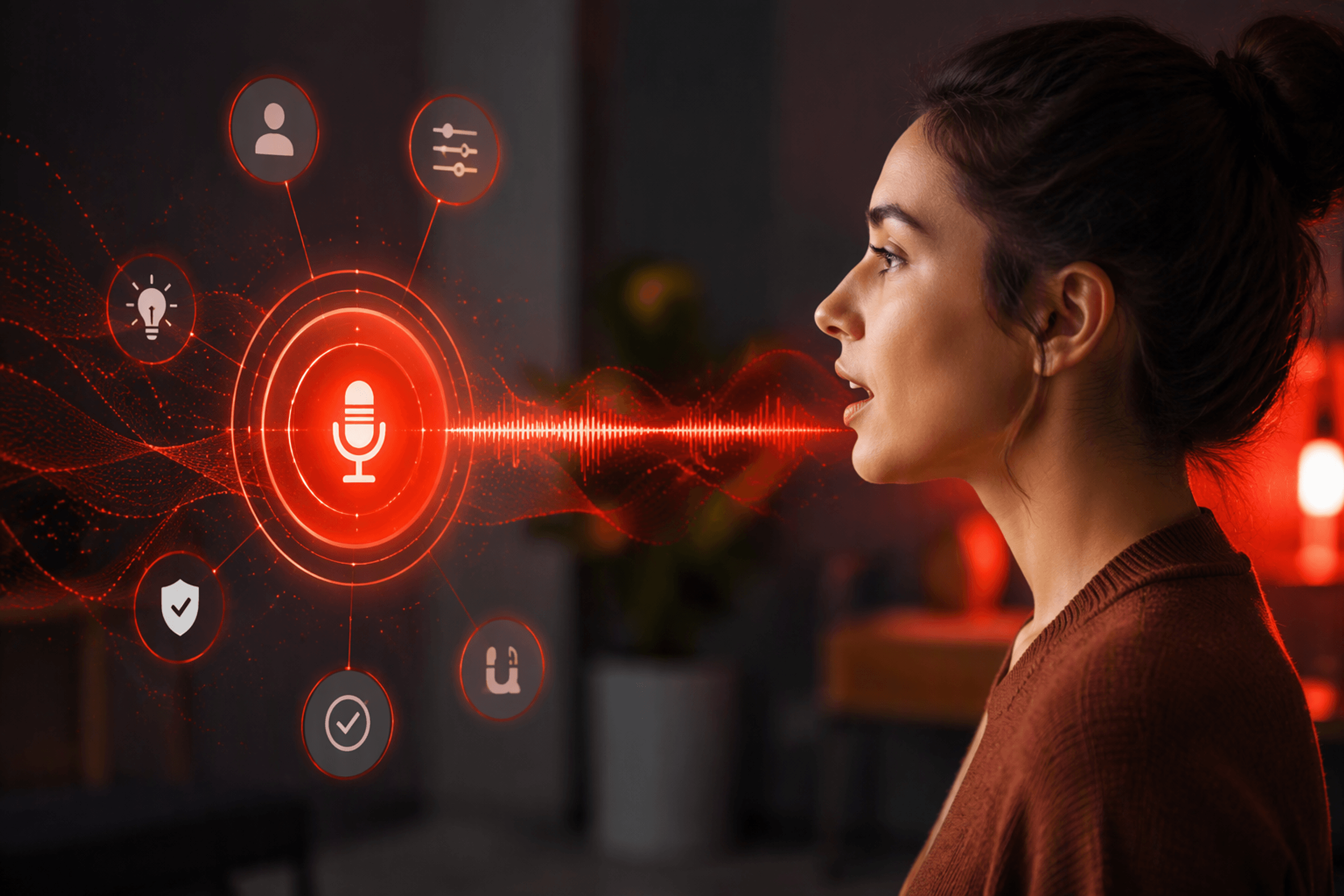
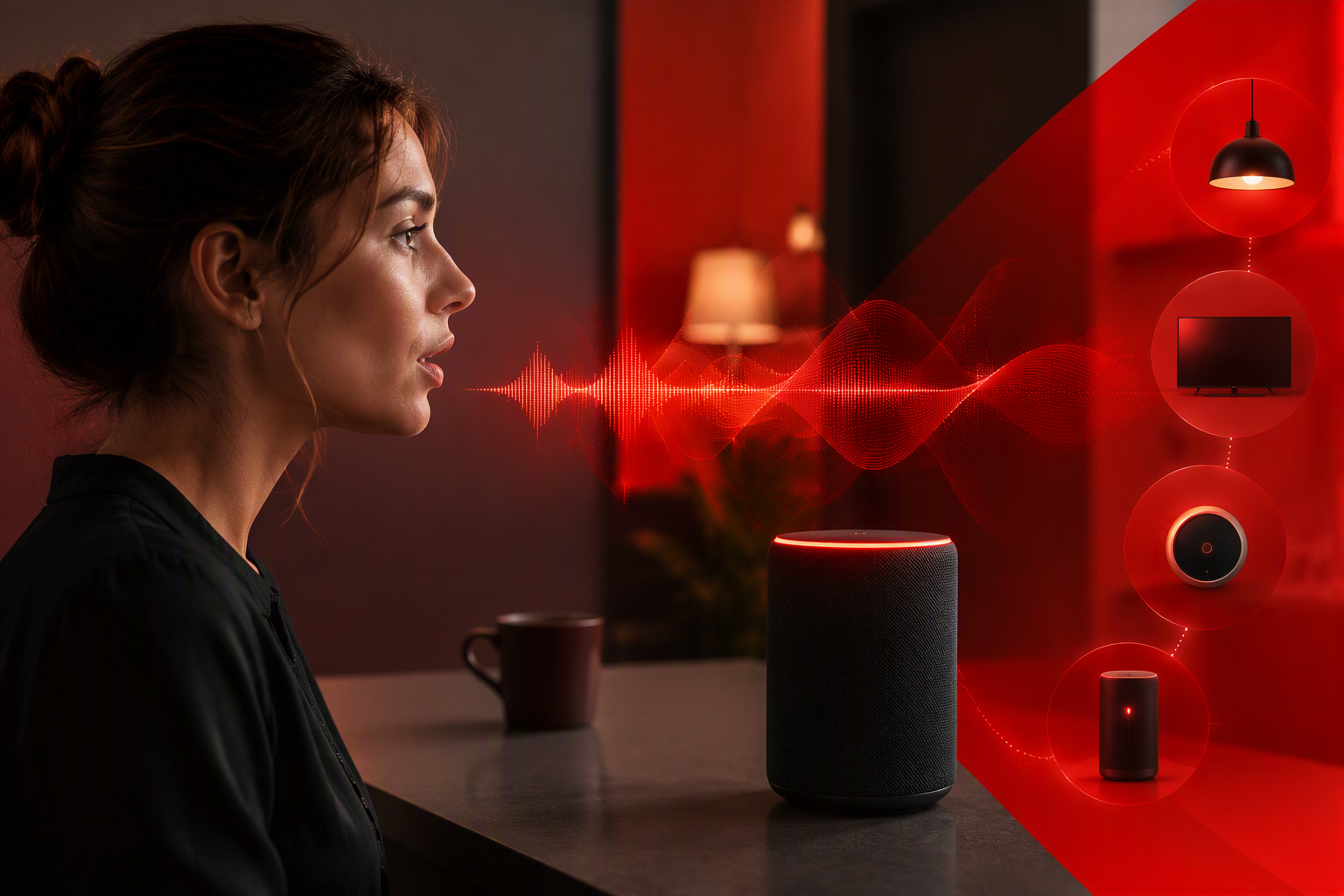
A voice control UI lets people express commands or intent through speech and receive audio, visual, tactile, or combined feedback. It can support hands-free operation, accessibility, faster tasks, and simpler interactions.
Voice is still a feature, not a product strategy. A polished demonstration does not prove that people will use it after launch. We prioritize context, reliability, and user value over a human-sounding personality.
Command-based controls handle defined requests such as “Turn on the kitchen lights.” Conversational interfaces support multiple turns within known flows. Open-ended AI assistants interpret a broader range of language and requests.
Large language models can make an interface more flexible, but they do not remove the need for boundaries. Products still require permission checks, deterministic execution for critical actions, privacy controls, and confirmation before consequential changes.
A voice strategy should begin with a repeated user problem, not competitor pressure. We ask whether speech improves a task that already matters enough to justify product design, engineering, localization, accessibility, analytics, and ongoing maintenance.
Teams should also determine whether the underlying problem concerns the interface, interaction, or wider workflow. Our guide to diagnosing UI vs. UX friction offers a useful starting point.
Strong use cases are valuable, repeatable, suitable for speech, and located where hands or eyes may be occupied. They also have clear outcomes and manageable consequences when something goes wrong.
Poor candidates include dense comparisons, complex editing, private contexts, ambiguous requests, and high-risk operations without review. Our assessment should lead to a clear decision: proceed, narrow the scope, create a multimodal flow, or stop.
We recommend evaluating each proposed action against:
Mark every judgment as evidence or assumption. The gaps show what research must establish before voice reaches the roadmap.
Speech is useful for expressing intent quickly. Screens are better for comparing options, editing information, checking status, and confirming risky decisions.
For that reason, we often recommend a multimodal experience. Touch, keyboards, switch controls, and accessible visual alternatives should remain available so speech does not become an exclusionary requirement.

People pause, use fillers, switch terms, interrupt prompts, and correct themselves. Effective voice interaction design accounts for those behaviors rather than polishing only the ideal path.
We map intents, entities, utterances, context, business rules, and responses before refining personality. Listening, processing, responding, and waiting states must always be clear.
An intent describes the goal. Entities are the details needed to complete it, while utterances are the different ways someone may express the request.
Workshop examples are hypotheses. Testing reveals the synonyms, incomplete phrases, slang, and unexpected structures the product must handle.
People should be able to stop, revise, replace, or undo a request without starting again. If “Friday” changes to “Saturday,” the system should retain every other confirmed detail.
We design flows to ask only for missing or uncertain information. The product should not request facts it already knows.
Recognition quality, responsive feedback, clear limitations, and effective recovery come first. Personality belongs on top of a dependable interaction model.
A brand voice can add character, but it must not obscure an instruction, warning, confirmation, or error.
Voice interfaces are difficult to scan. People cannot see available commands as they would in a menu, so products need contextual examples, suggested phrases, and visible alternatives.
We introduce a small set of examples around real goals rather than abstract syntax. When someone hesitates, the interface can offer:
Guidance should help new users without slowing down experienced ones.
Recording status must be unmistakable. People should know whether the product is listening, processing, muted, offline, waiting, or finished.
Where accuracy matters, display the interpreted request and distinguish pending actions from completed or failed ones.
A voice design system can standardize prompts, sounds, terminology, confirmations, errors, and accessibility behavior. It should also define where teams may adapt a pattern and where safety, security, or compliance requires consistency.
Generic apologies do not support recovery. A useful error flow distinguishes silence, uncertain recognition, missing information, unsupported intent, system failure, and lost connectivity.
We retain valid information, identify the specific problem, and provide a relevant next step. After repeated failure, the product should offer a screen, keyboard, touch, or human-support fallback.
Low-risk, reversible actions can happen with lightweight feedback and an undo option. Turning on a lamp should not require a long dialogue.
Payments, access changes, health information, destructive actions, and security controls need explicit review. Confirmation should clearly identify what will happen before the action proceeds.
If the account is unclear, ask which account was intended. Do not restart the request or repeat confirmed details.
Offering a short list of valid choices can be more effective than another open-ended prompt because it narrows ambiguity.
When voice fails, transfer known information into the alternative flow. A fallback should continue the task rather than punish the person using it.
If a request is unsupported, state that boundary plainly and offer the closest valid action.
Voice-only interaction is not automatically accessible. Some people cannot speak consistently, hear audio feedback, use a supported language, or talk in their current environment.
We treat non-voice paths, assistive-technology compatibility, consent, recording visibility, data minimization, retention, transcript access, and deletion as core requirements.
Testing should reflect relevant languages, accents, dialects, speech patterns, devices, and acoustic conditions. A quiet office cannot represent a moving vehicle, busy kitchen, or shared workspace.
Results should also be reviewed across user groups. Aggregate performance can conceal recurring problems for particular speakers.
Products should explain when capture begins, why data is needed, what may be processed or stored, and how permission can be withdrawn. Recording indicators must be clear.
Human-like cues must not blur the system’s identity, capabilities, or authority.
Localization affects pronunciation, pacing, formality, utterances, confirmation norms, and tone. A literal translation may sound unnatural or create different expectations.
We recommend testing complete flows with native speakers rather than treating translation as proof of readiness.
Prototyping lets teams test interaction logic before committing to speech infrastructure. Scenarios should include realistic noise, latency, interruptions, device distance, and privacy constraints.
Set decision criteria in advance so mixed results do not automatically become permission to continue.
In Wizard-of-Oz testing, a hidden operator simulates recognition and responses while participants interact with an apparently working product. This method exposes natural language without requiring a production model.
We observe hesitation, corrections, discovery gaps, memory expectations, and recovery behavior.
Review transcripts for:
Recurring patterns can improve prompts, flow logic, command coverage, and help content.
Relevant measures include task completion, time on task, first-attempt success, corrections, abandonment, latency, intent accuracy, and false activations.
Segment results by task, device, environment, language, accent, and user group. Averages can hide context-specific failures.
The right model depends on context, available screens, privacy, and the consequences of errors.
In vehicles, voice can support navigation or climate requests while a screen displays the interpreted destination or setting.
A smart-home system may turn on a lamp immediately. Unlocking a door, disabling an alarm, or authorizing a purchase requires stronger identity and confirmation controls.
Healthcare products can support hands-busy note capture, but transcripts should be reviewed before entering a patient record. Privacy safeguards must cover capture, processing, and storage.
In ecommerce, voice can support search or basket actions. Screens remain better for comparison, variants, totals, and payment authorization.
Enterprise assistants can support retrieval, navigation, dictation, and repeatable workflows. Permissions must constrain what they can access or change, and critical updates should remain subject to review.
Voice design connects product strategy, UX, branding, accessibility, and technical feasibility. It is not an isolated scriptwriting task.
Before implementation, we expect teams to answer:
Useful deliverables include opportunity scorecards, intent maps, flow diagrams, prompt libraries, prototypes, test findings, and governance guidance.
Launch begins the maintenance cycle. Teams need ownership for utterance expansion, analytics, localization, prompt changes, model updates, compliance reviews, and regression testing.
Reusable standards keep product, design, engineering, content, legal, and marketing aligned.
At redbaton.digital, we help product teams assess voice opportunities through product strategy, UX, branding, prototyping, and validation. We establish whether voice creates real value before shaping an experience designed to scale.
A voice control UI lets people communicate commands or intent through speech. The product responds through audio, visuals, actions, or a combination of these.
We recommend voice when it improves valuable tasks, particularly in hands-busy, eyes-busy, urgent, or accessibility-led situations. It is less suitable for complex editing, private settings, dense comparisons, or irreversible decisions.
Not usually. Multimodal products combine speech with screens, touch, keyboards, or assistive controls. This makes review, correction, comparison, and fallback easier.
A Wizard-of-Oz prototype can simulate recognition and responses. Researchers can then study natural phrases, hesitation, corrections, interruptions, and expectations before production development.
We examine task completion, first-attempt success, time on task, corrections, abandonment, latency, intent accuracy, and false activations. Segmentation helps reveal failures affecting specific contexts or groups.
Before investing in implementation, confirm where voice creates value and where another input works better. Talk to redbaton.digital to shape, prototype, and test an evidence-led voice experience around real user behavior.


